
TiviMate is a powerful media player, but it doesn’t include TV channels by default. To watch live TV, you need to add a playlist from your IPTV provider.
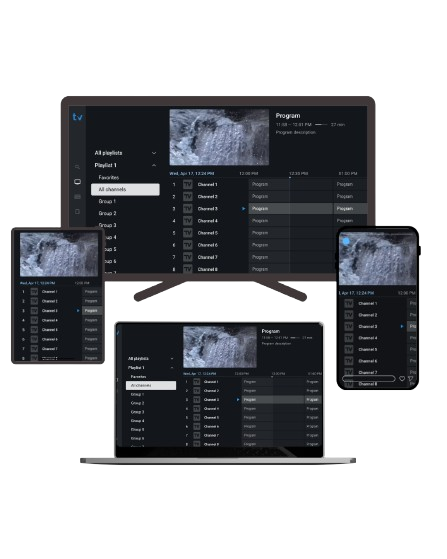
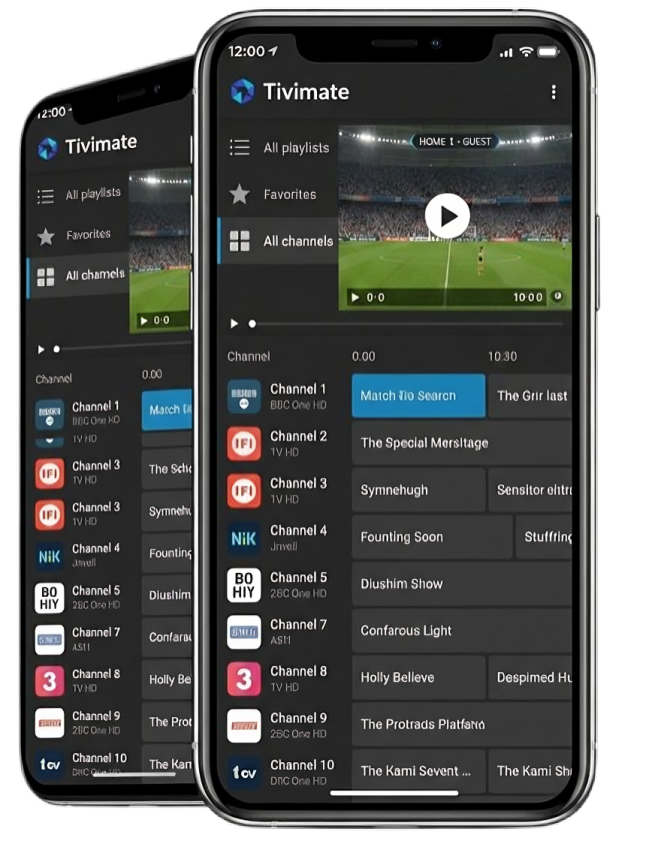
Delivers fast, smooth, and reliable playback with optimized performance, even when handling large playlists and live channels.
Simple and intuitive settings make setup effortless. Just add your playlist and start watching in a few steps—no technical skills required.
Enjoy a stable and secure experience with support for multiple devices, ensuring flexibility and convenience across your screens.
Trusted and actively used for over 6 years.
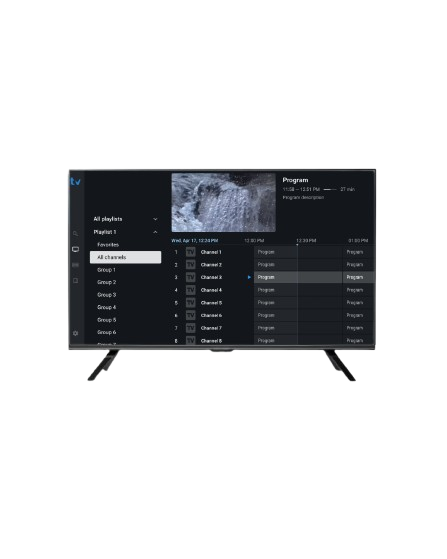
TiviMate Player is trusted by users worldwide with 20M+ downloads, delivering a smooth and reliable IPTV experience.
TiviMate Subscription Pricing covers flexible plans that unlock premium features, offering enhanced control, customization, and a smoother IPTV experience.
Discover TiviMate powerful features and flexible customization options designed to make your streaming experience smooth, personalized, and enjoyable.
TiviMate is built specifically for Android TV devices and may not be fully optimized for smartphones or tablets. You can install the app directly from the Google Play Store or sideload it using the APK file.
For installation via Downloader, enter the code: 272483.
Experiencing issues with TiviMate? Get quick and easy tips to resolve buffering, authorization errors, EPG problems, and other common issues.
Your Questions Answered : Have questions about TiviMate? Explore quick solutions for common issues, setup instructions, troubleshooting tips, and feature guides in our comprehensive FAQ.